Game-Style GPS Navigation: Real Streets, Game Skin
27 August 2026 · 5 min read
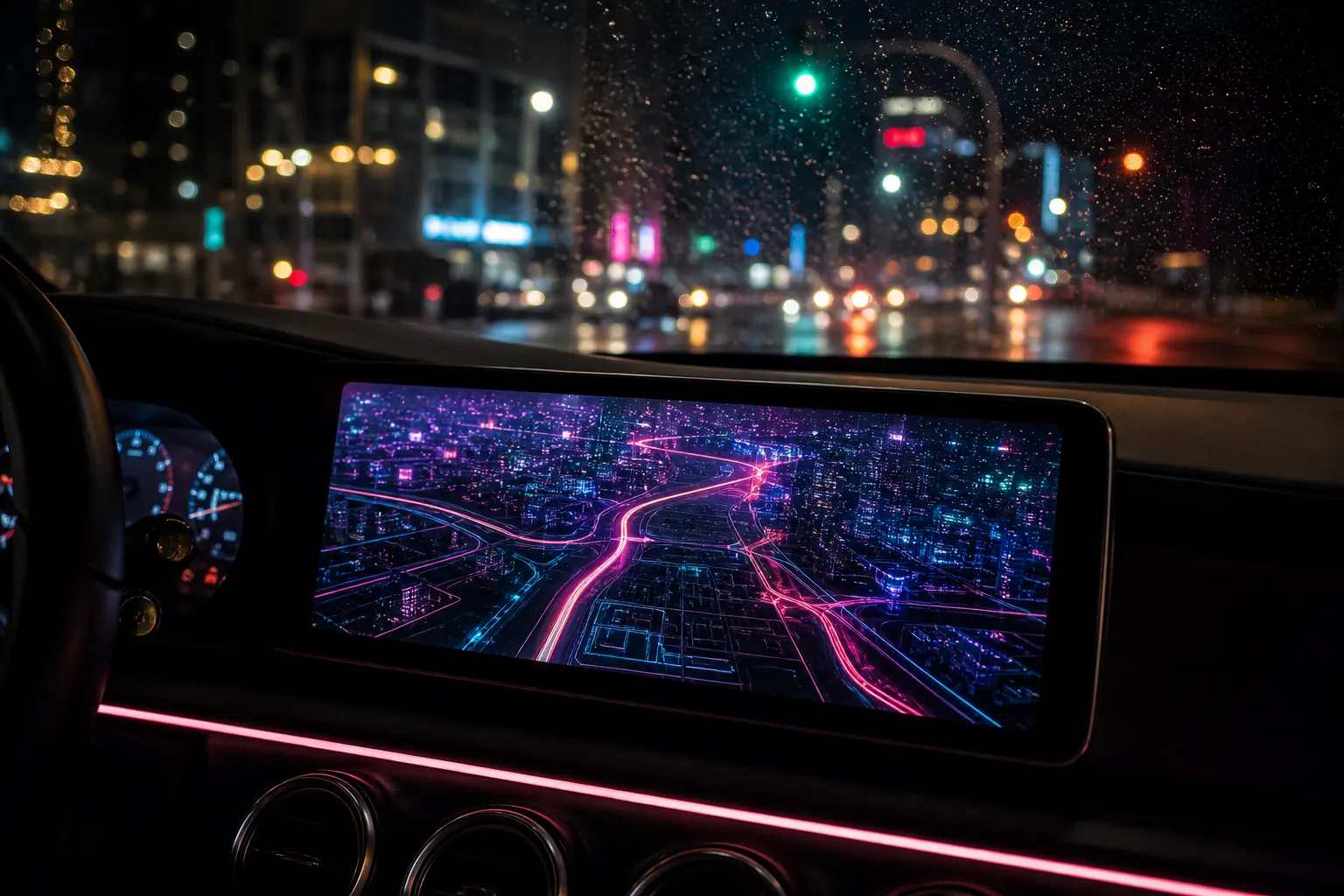
Game-style GPS navigation is turn-by-turn on the streets you actually drive, with the map drawn like a video game instead of a municipal diagram. In Game Maps IRL that means real GPS, real ETAs, and original themes named Los Santos, Blockworld, Saint Denis, and Night City, plus game-styled POI blips. Google Maps remains the better traffic and transit tool. This app is the skin.
How it differs from Google Maps
Google Maps is built to answer “when do I leave” and “which bus.” It has live traffic, transit, a huge place database, and Lane Guidance you already trust. Game Maps IRL uses the same class of routing as a standard maps app for the next-turn job, then redraws land, roads, and markers in a game HUD. You still type a destination. You still hear a voice prompt. The screen looks like Los Santos or Night City.
What you do not get: Google’s congestion heatmap as a first-class feature, a full transit trip planner, or Wikipedia-grade POI coverage. What you do get: a pulse/glowing crosshair, themed blips, and a layers switch that keeps the route. The honest table lives in Game Maps IRL vs Google Maps. Apple Maps users can start from the Apple Maps comparison.
Four themes on one GPS stack
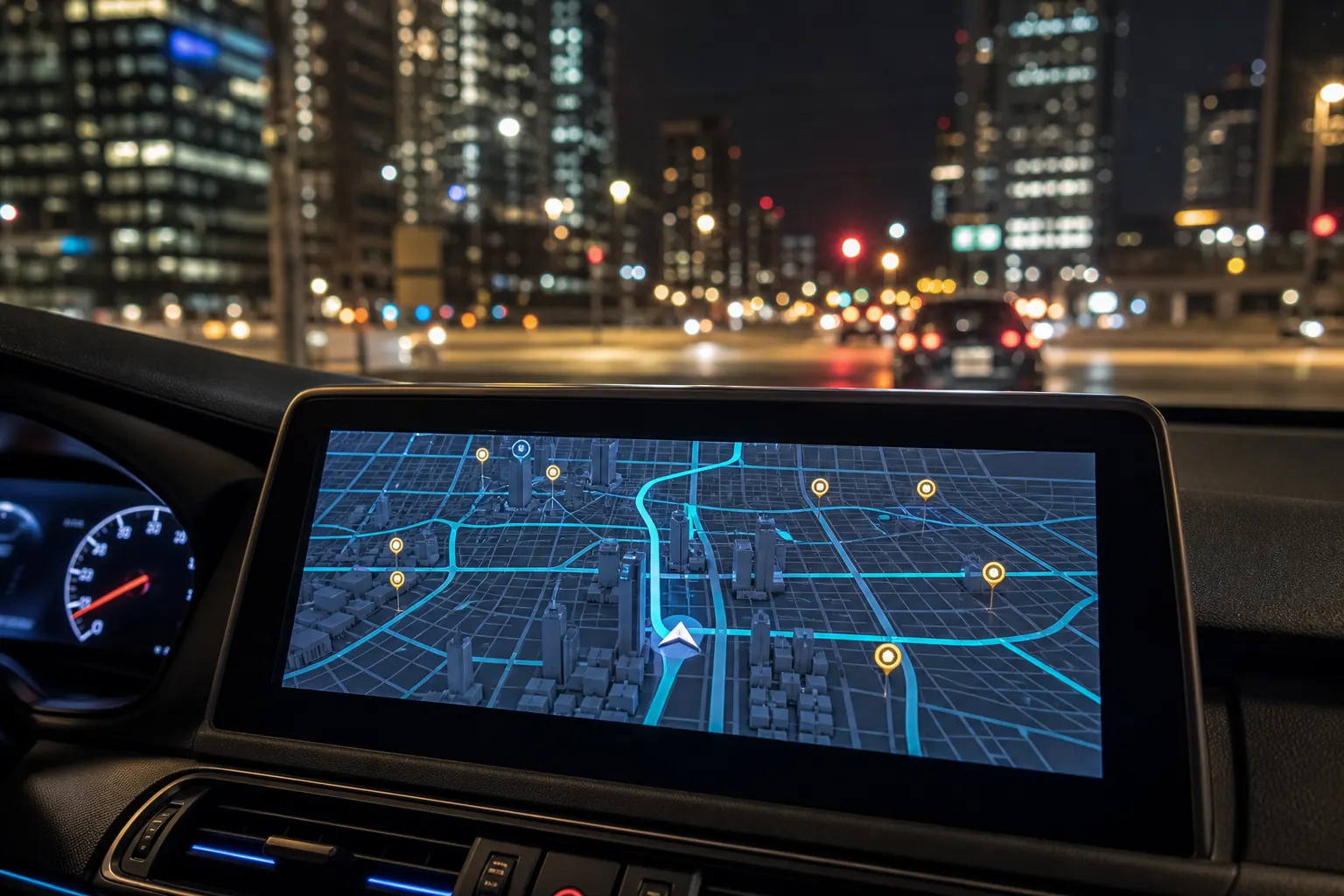
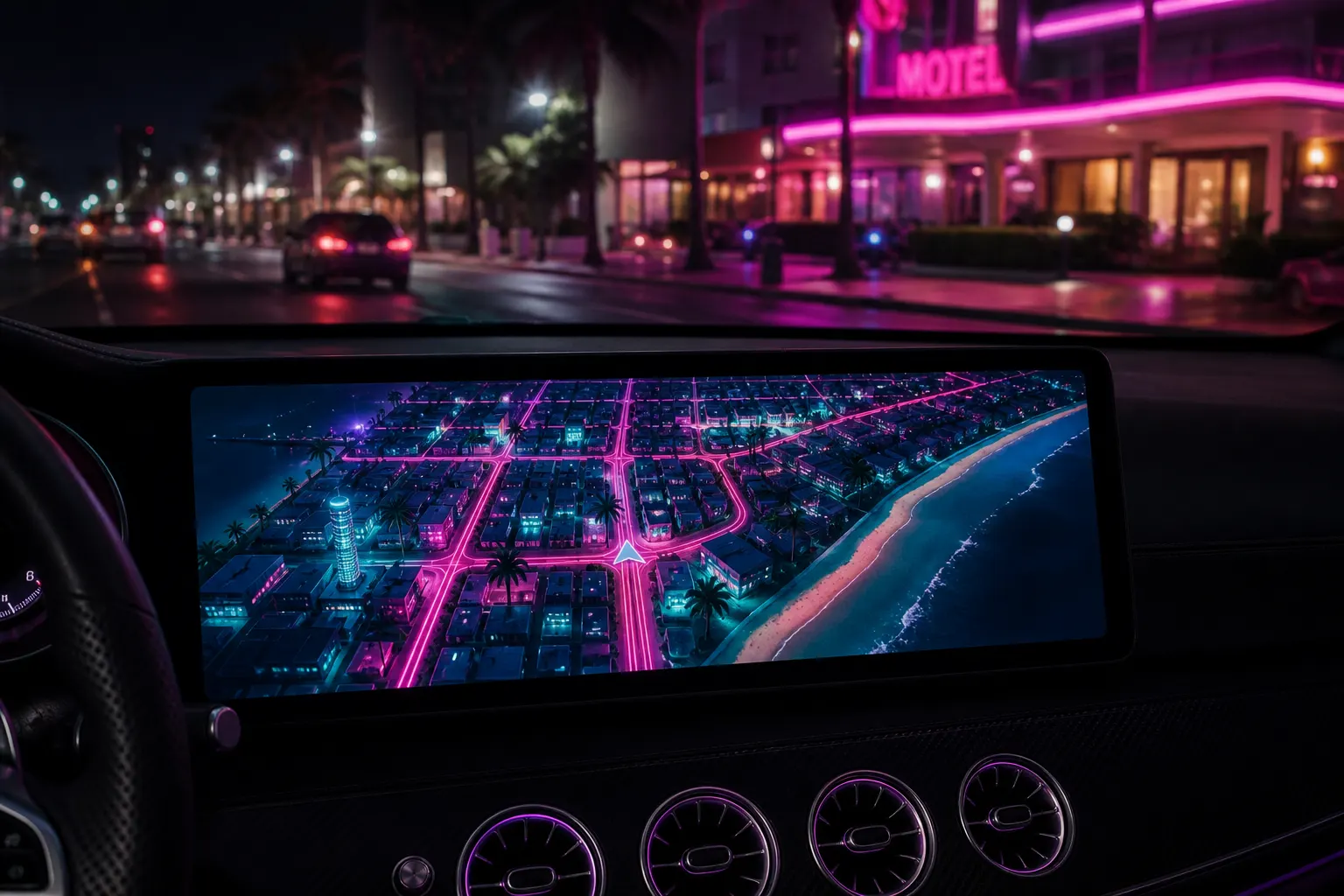
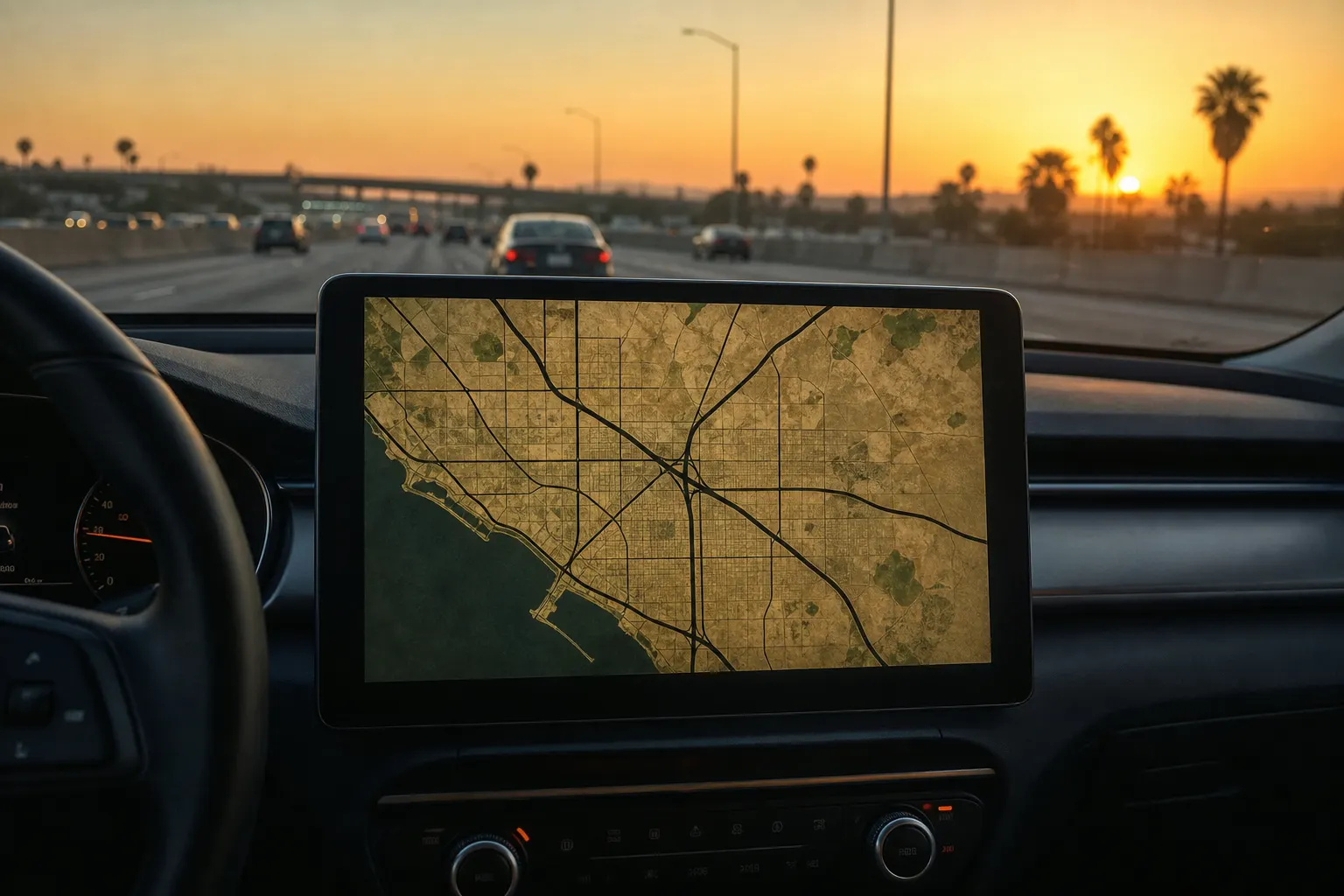
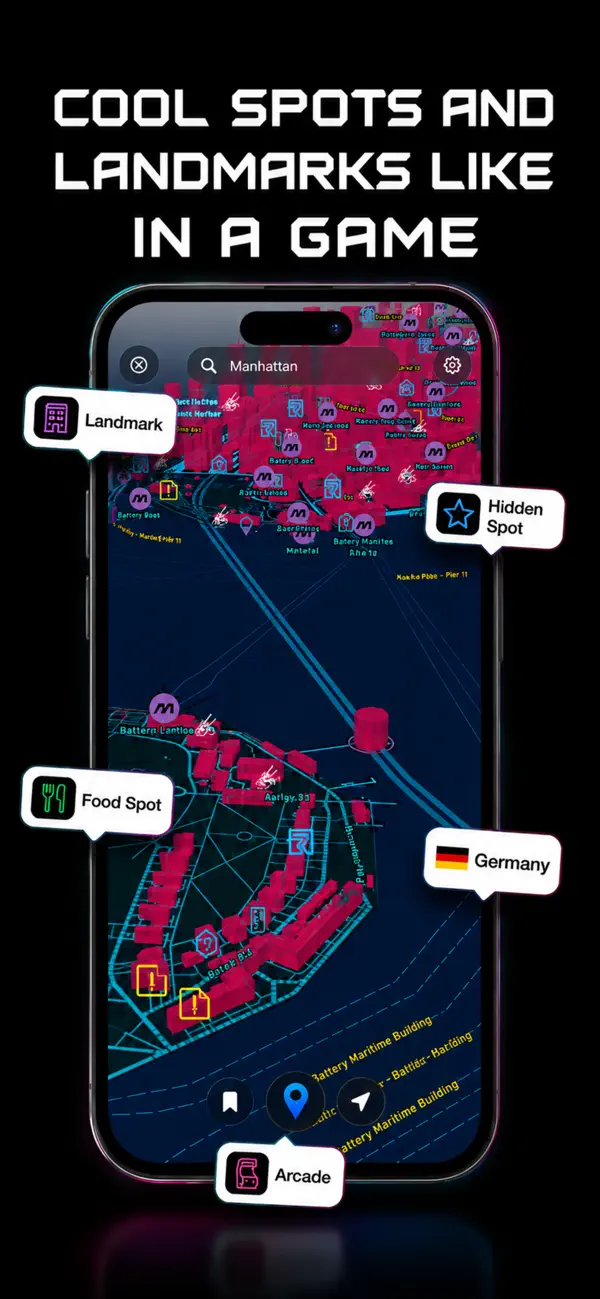
Los Santos (GTA 5-inspired) uses dark land and bright arterials. Labels such as Auto Repair, Barber Shop, and Helicopter Tour sit on real blocks. Blockworld (Minecraft-inspired) voxels your city; Paris 6th arrondissement is the listing example. Saint Denis (Red Dead-inspired) is tan paper and a red crosshair; Fillmore in San Francisco is the shot. Night City (Cyberpunk-inspired) is magenta buildings on a cyan grid, with Landmark, Food Spot, Hidden Spot, and Arcade.
San Andreas and Leonida (GTA 6-inspired) are extra layers in the same control. None of this is a licensed in-game map. Game Maps IRL is independent and unofficial. Switching themes is one tap on layers.
Put a game skin on tonight’s commute. Same GPS job, four looks, store listing at gamemaps.app.


POI blips
Points of interest render as game markers: trophies, flasks, baskets, beds, chests, saloons, arcades. They are playful labels on real footprints, not a competing Yelp. A Crafting Spot bubble will not replace Google’s hours. A Saloon blip on Fillmore is theme language. Use them as glanceable landmarks while the route line does the serious work.
Search still finds districts and cities. Bookmark, locate, and start navigation sit on the bottom bar. The crosshair pulse is there so you can find yourself on a busy HUD without squinting.
CarPlay and Android Auto
Game-style GPS is built for the dash as much as the phone. After a one-time in-car unlock, you open Game Maps IRL from the car launcher and pick a theme with layers. Start with the custom map themes on CarPlay hub, then a specific walkthrough such as the GTA 5 / Los Santos CarPlay guide or the Blockworld Android Auto guide. Pairing is the same cable or wireless session you already use for Maps.
Follow real road signs. A neon path on the dash is still a suggestion.
Frequently asked questions
Is game-style GPS still real turn-by-turn?
Yes. Game Maps IRL keeps real roads, real ETAs, and voice guidance. Themes change how the map is drawn. Follow road signs over any screen.
Which game skins can I use?
Los Santos, Blockworld, Saint Denis, and Night City are the four looks in the listing screenshots. San Andreas and Leonida sit in the same layers list. Switch them without losing the route.