Game Maps IRL vs Apple Maps
27 August 2026 · 6 min read
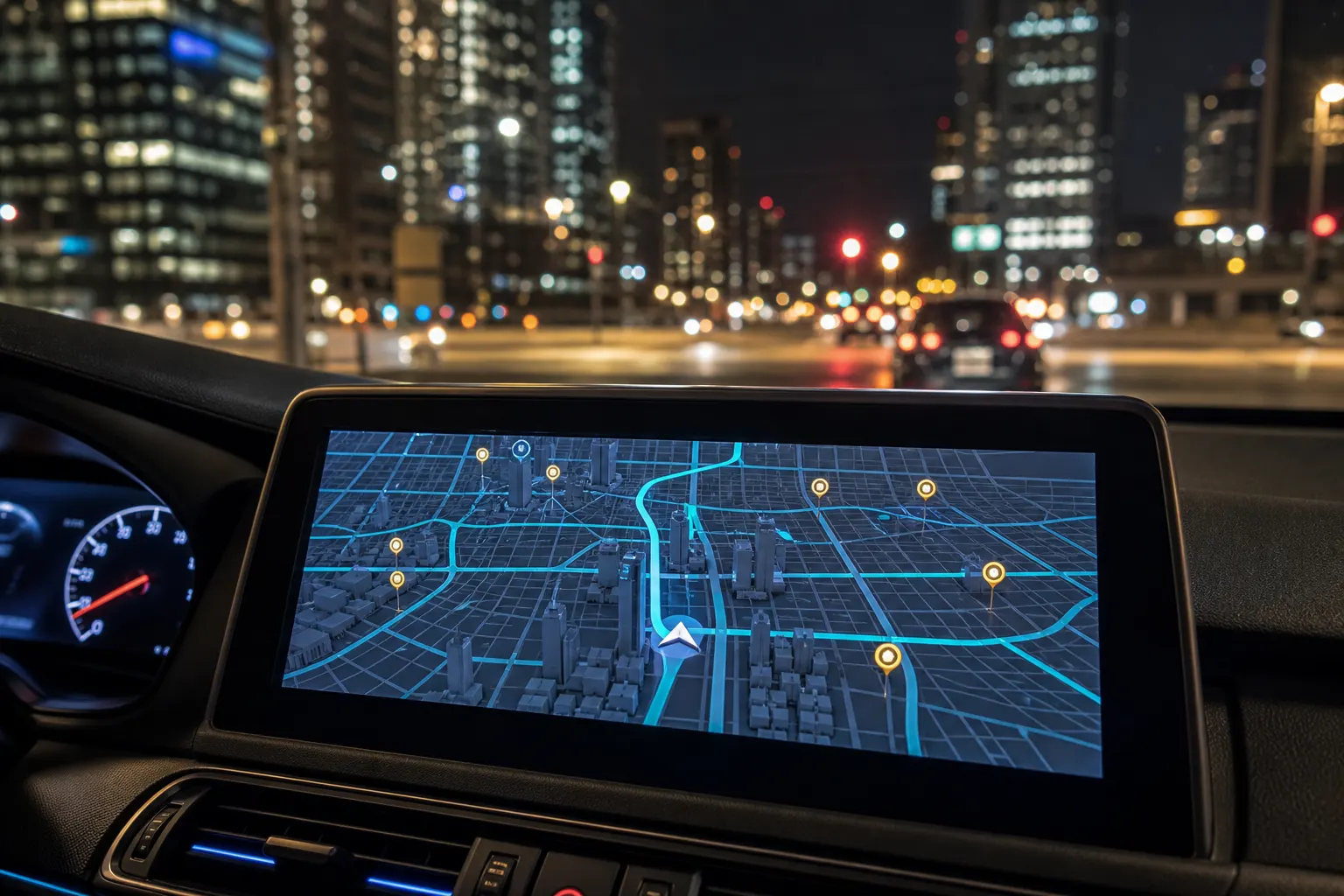
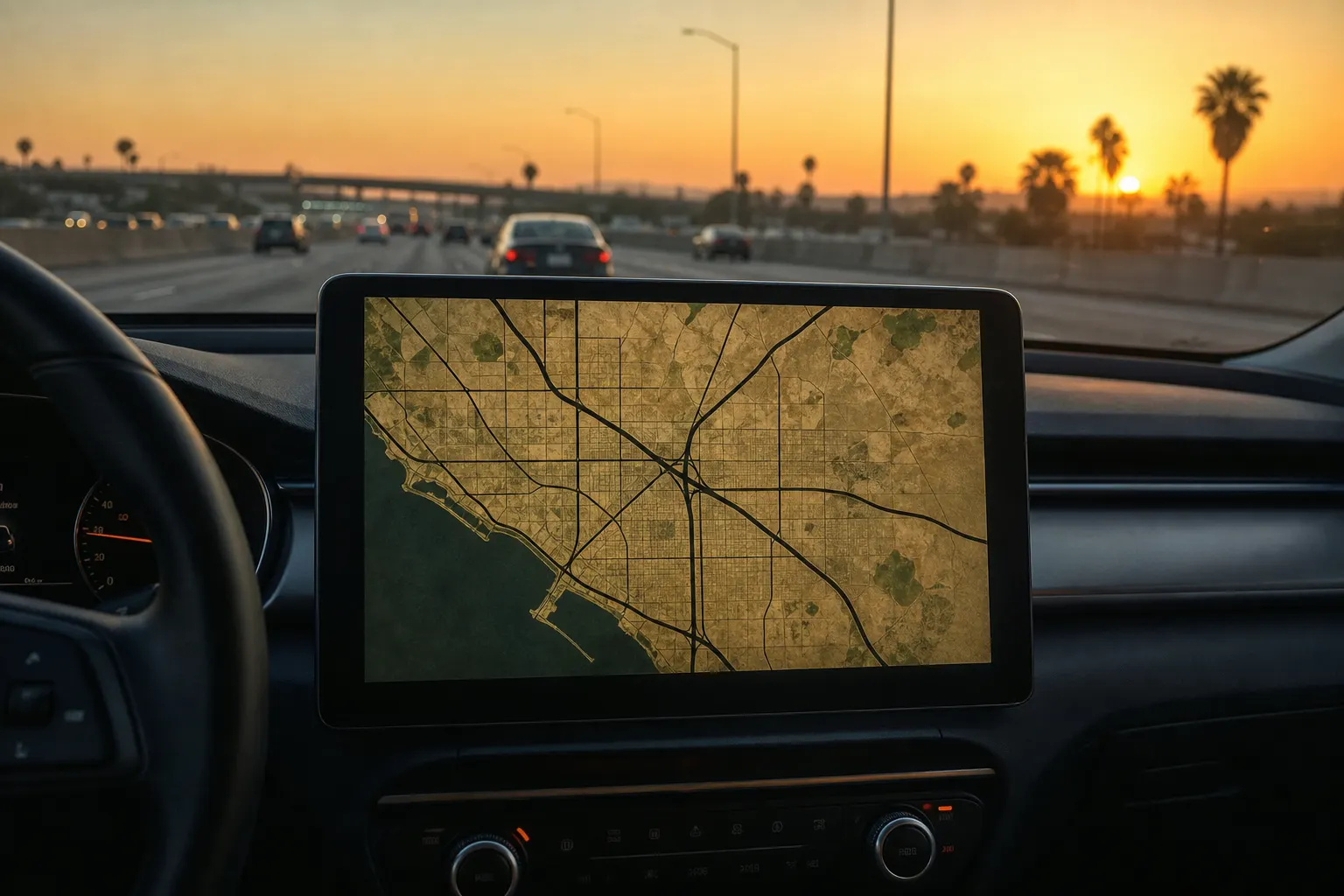
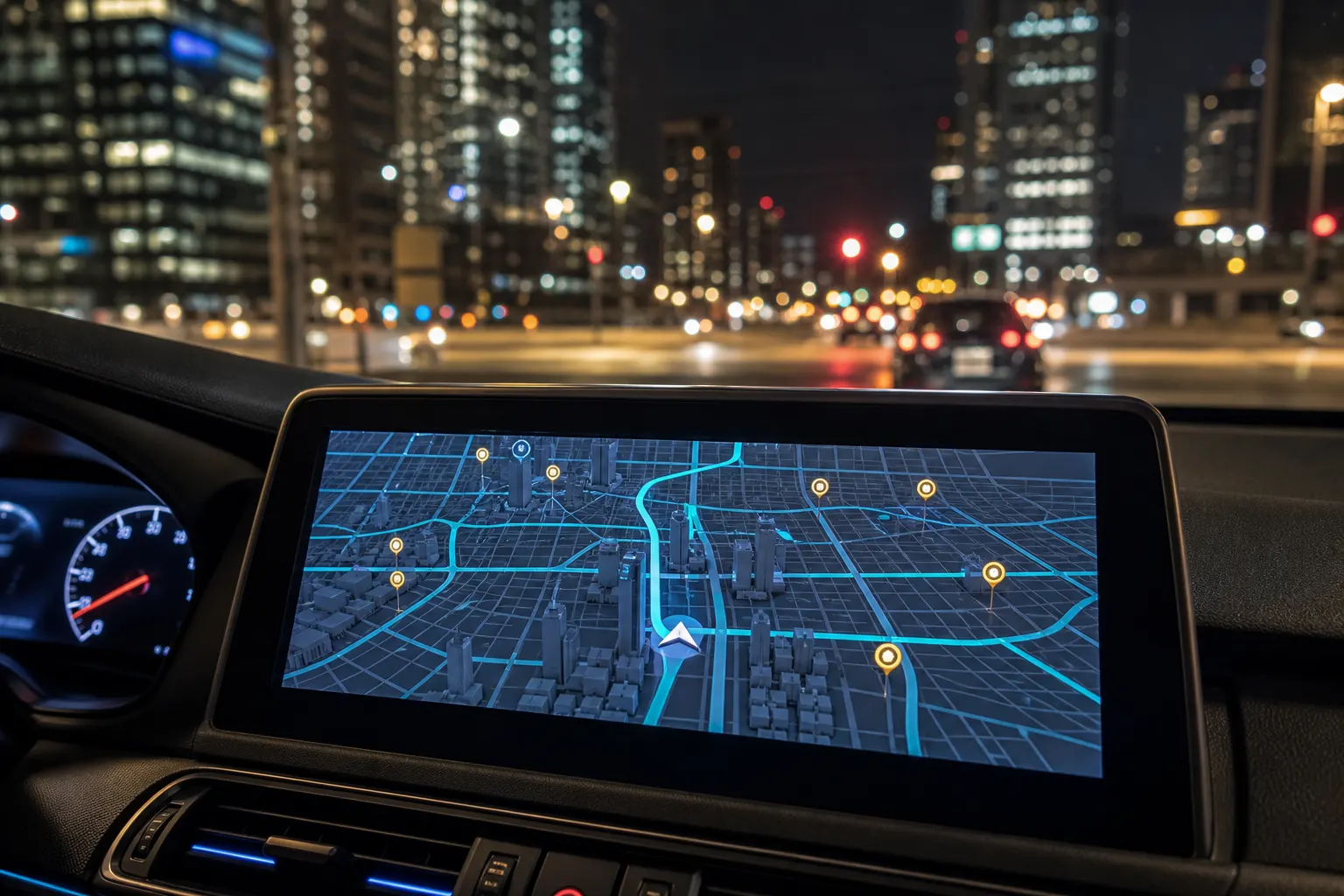
Apple Maps is the maps app that ships on the iPhone and on CarPlay. Game Maps IRL is a third-party navigation app that redraws those same real streets as Los Santos, Blockworld, Saint Denis, or Night City. You do not pick one forever. You pick which icon to tap for this drive.
Side by side
| Job | Apple Maps | Game Maps IRL |
|---|---|---|
| CarPlay | Built in, no extra purchase | After the in-car unlock |
| Look Around / Flyover | Yes, in supported cities | No |
| Transit | Strong in rebuilt regions | Not the point of the app |
| Privacy posture | Apple’s on-device maps story | See the privacy page; location for GPS |
| Visual themes | Standard Apple cartography | Named game-inspired skins |
| POIs | Places database | Game blips plus real footprints |
When Apple Maps is the right tap
You want the default CarPlay experience with no IAP. You need Look Around before a confusing exit. You are taking a train. You already trust Siri “take me home.” Game Maps IRL does not replace those jobs. It sits next to them.
Siri and system widgets also expect Apple Maps. Third-party apps on CarPlay still launch as their own tile. That is normal.
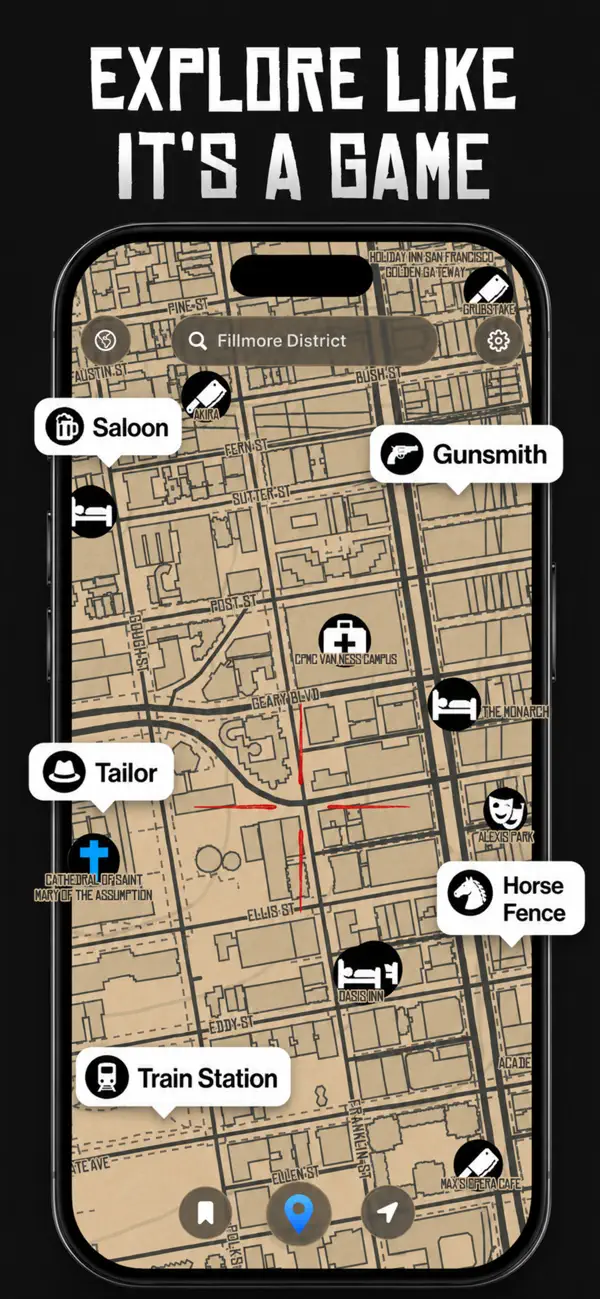
Leave Apple Maps on the CarPlay home screen. Add Game Maps IRL when you want the themed dash. Setup is in the CarPlay themes hub.


When Game Maps IRL is the right tap
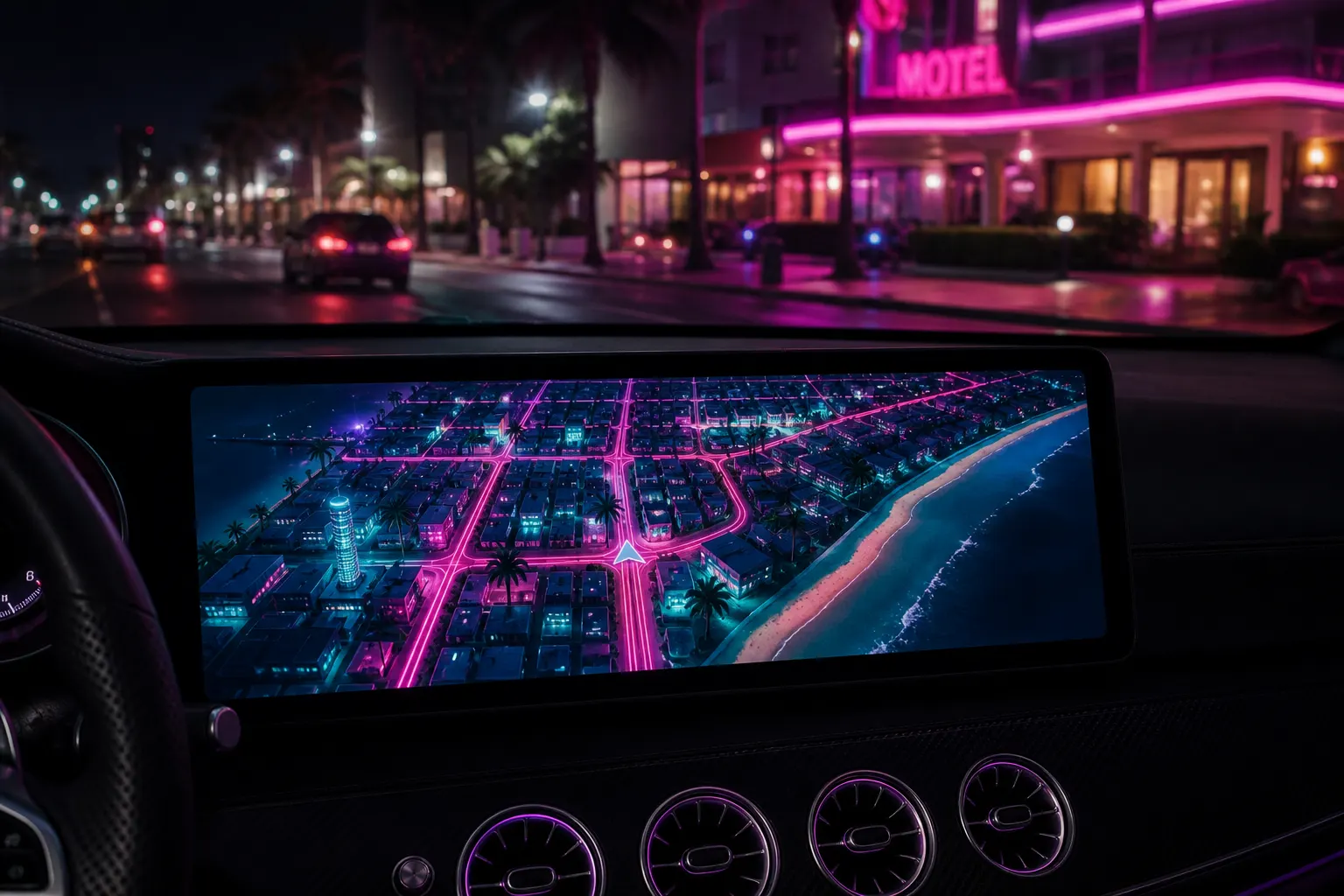
You already know the route. You want the HUD to look like a minimap. You want to switch Saint Denis to Night City at a light without cancelling navigation. That flow is switch map themes. Android drivers should still compare with Google; this page is the iPhone / CarPlay split. See also vs Google Maps.
A similarly named app exists on other domains. Download Game Maps IRL from the store badges on this page. The app is unofficial: original themes, no publisher affiliation. Follow road signs.
Getting the themed map onto CarPlay
Apple Maps appears as soon as the car talks to the iPhone. Game Maps IRL appears after you open it on the phone, grant location, and complete the in-car unlock (premium themes and CarPlay support are one purchase in the app, matching the rest of this site). If the tile is missing, Settings → General → CarPlay → your car → Customise. Wired USB-C or Lightning and wireless CarPlay both work. There is no special cable.
The six dash walkthroughs live under custom map themes on CarPlay: Los Santos, Blockworld, Saint Denis, Night City, San Andreas, and Leonida. Each one uses the same connect steps and a different layers name. Theme changes mid-drive keep the route. Siri “take me home” still belongs to Apple Maps; Game Maps IRL is the tile you tap when you want the HUD. Same class of turn-by-turn, original unofficial art, published at gamemaps.app. Night City is the one that pops on a dark dash; Saint Denis is the one that makes Geary look like a frontier street.
Frequently asked questions
Do I have to delete Apple Maps to use Game Maps IRL on CarPlay?
No. Both icons can sit on the CarPlay home screen. Use Apple Maps for Look Around and transit. Open Game Maps IRL when you want a named theme on the dash.
Is Game Maps IRL built into iOS like Apple Maps?
No. It is a separate app. You install it, unlock in-car maps, then launch it from CarPlay like any other third-party maps app.