How to Switch Map Themes in Game Maps IRL
27 August 2026 · 5 min read
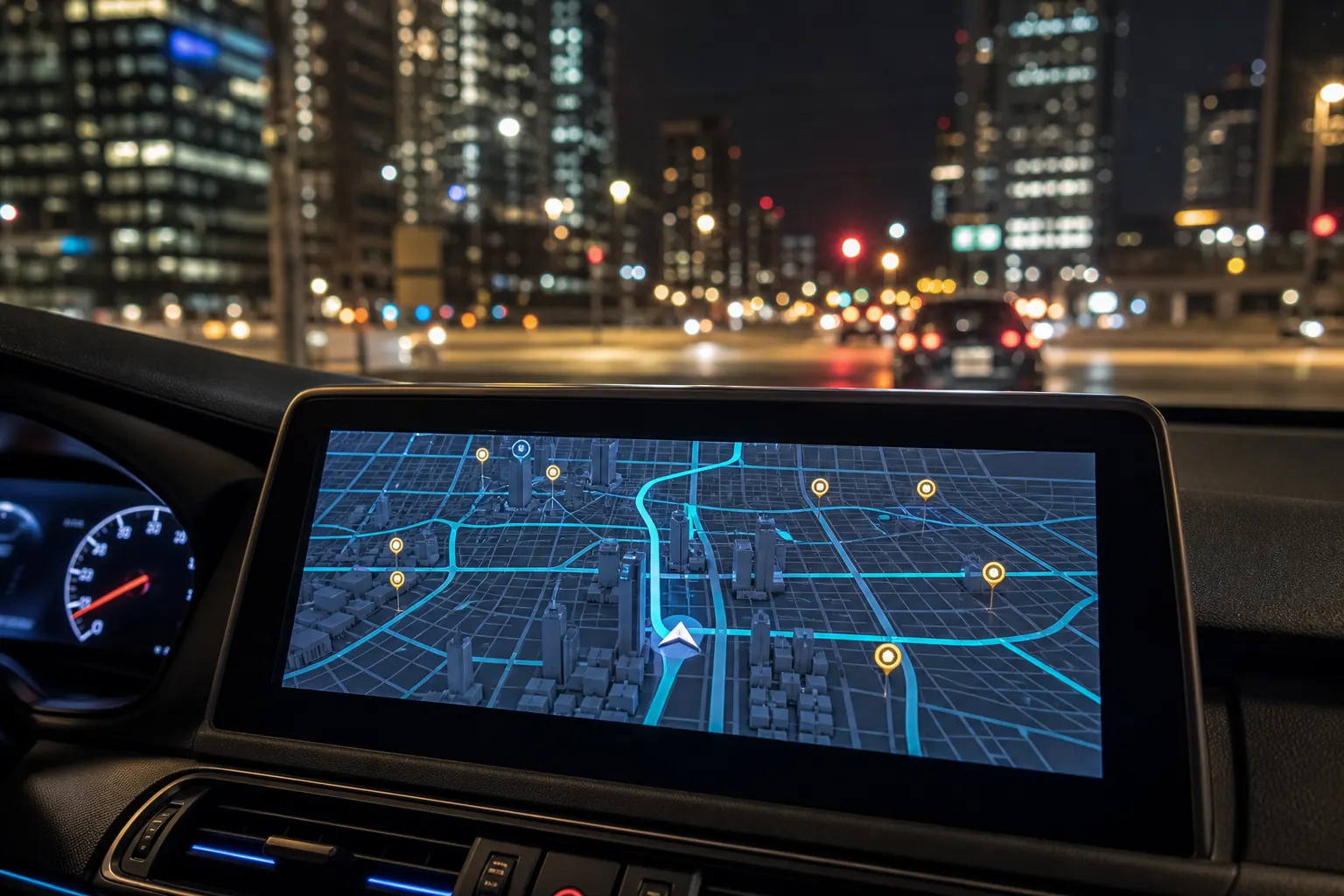
Tap the layers control on the Game Maps IRL map, then pick Los Santos, Blockworld, Saint Denis, or Night City. The GPS route stays where you left it. You can do this on the phone, on Apple CarPlay, and on Android Auto, including while a turn-by-turn session is already running.
Where the layers control sits
Every App Store screenshot of Game Maps IRL shows the same chrome: bookmark, blue location pin, and nav arrow along the bottom, plus layers and recenter as floating buttons on the lower right. Paris in Blockworld, South Beach in Los Santos, the Fillmore District in Saint Denis, and Manhattan in Night City all keep that control in the same spot. If you can see the map, you can change the theme.
Layers is the only switch you need. There is no separate “skins” menu, no restart, and no new destination to type. Search stays in the top bar. Your blue pin stays on the real street you are on.
How to switch themes
- Open the app. Open Game Maps IRL on iPhone or Android and grant location if the app asks.
- Tap layers. Tap the layers control on the map. It sits with the recenter button on the lower right of every screenshot.
- Pick a theme. Select Los Santos, Blockworld, Saint Denis, or Night City. San Andreas and Leonida are in the same list.
- Keep navigating. Close layers. Your pin, search, and any active route stay put. You can repeat this mid-drive.
Premium themes and in-car support unlock together with a one-time purchase inside the app. The download itself is free.
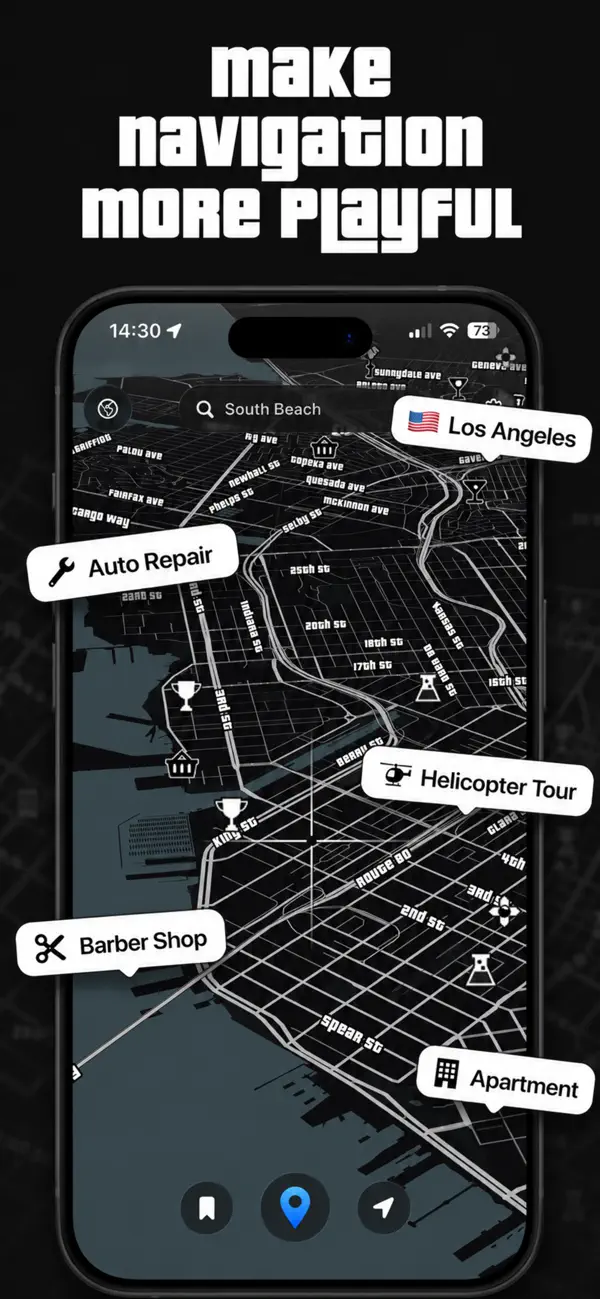
Install Game Maps IRL, open layers, and try two themes on the same block of your city.


What each named theme is
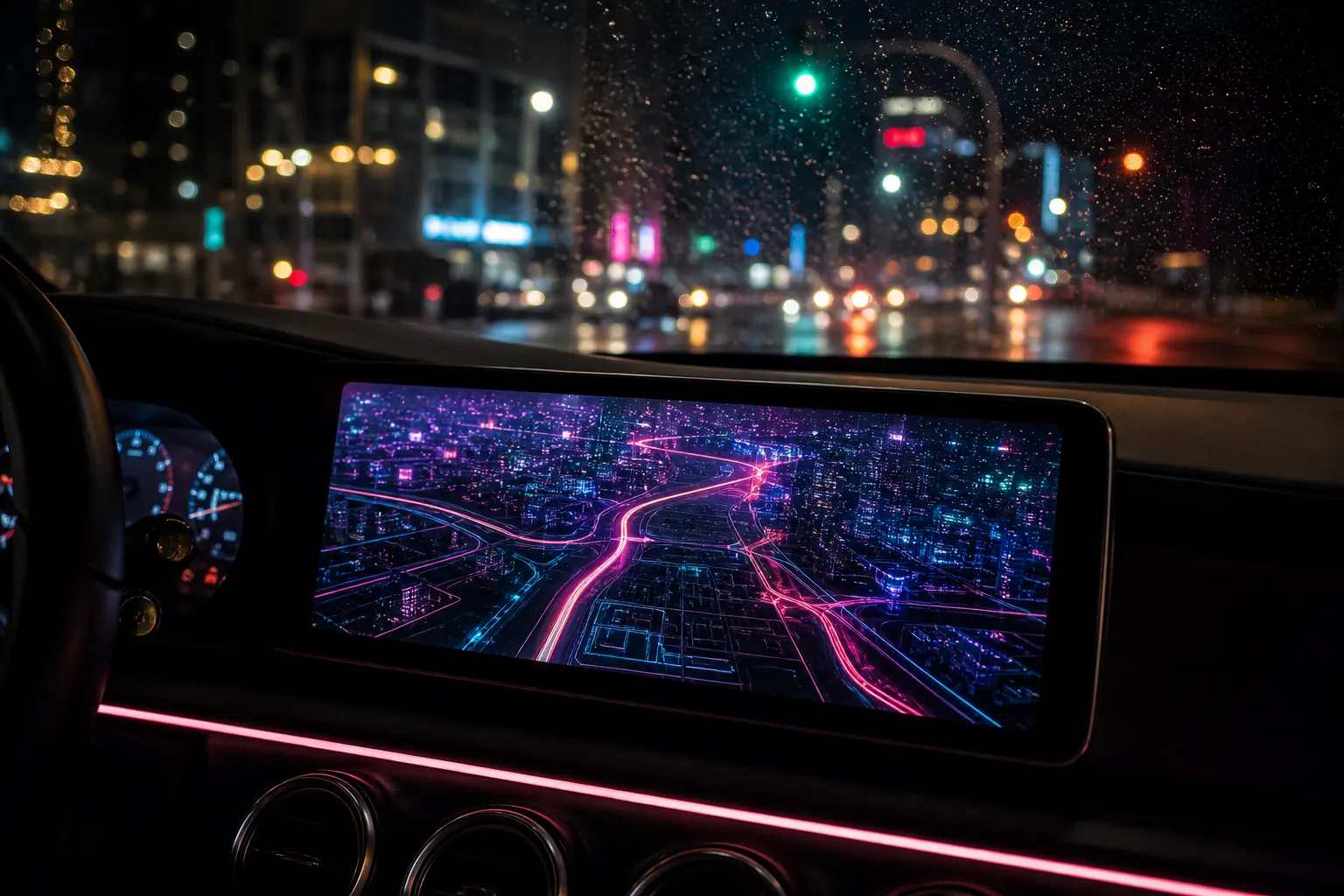
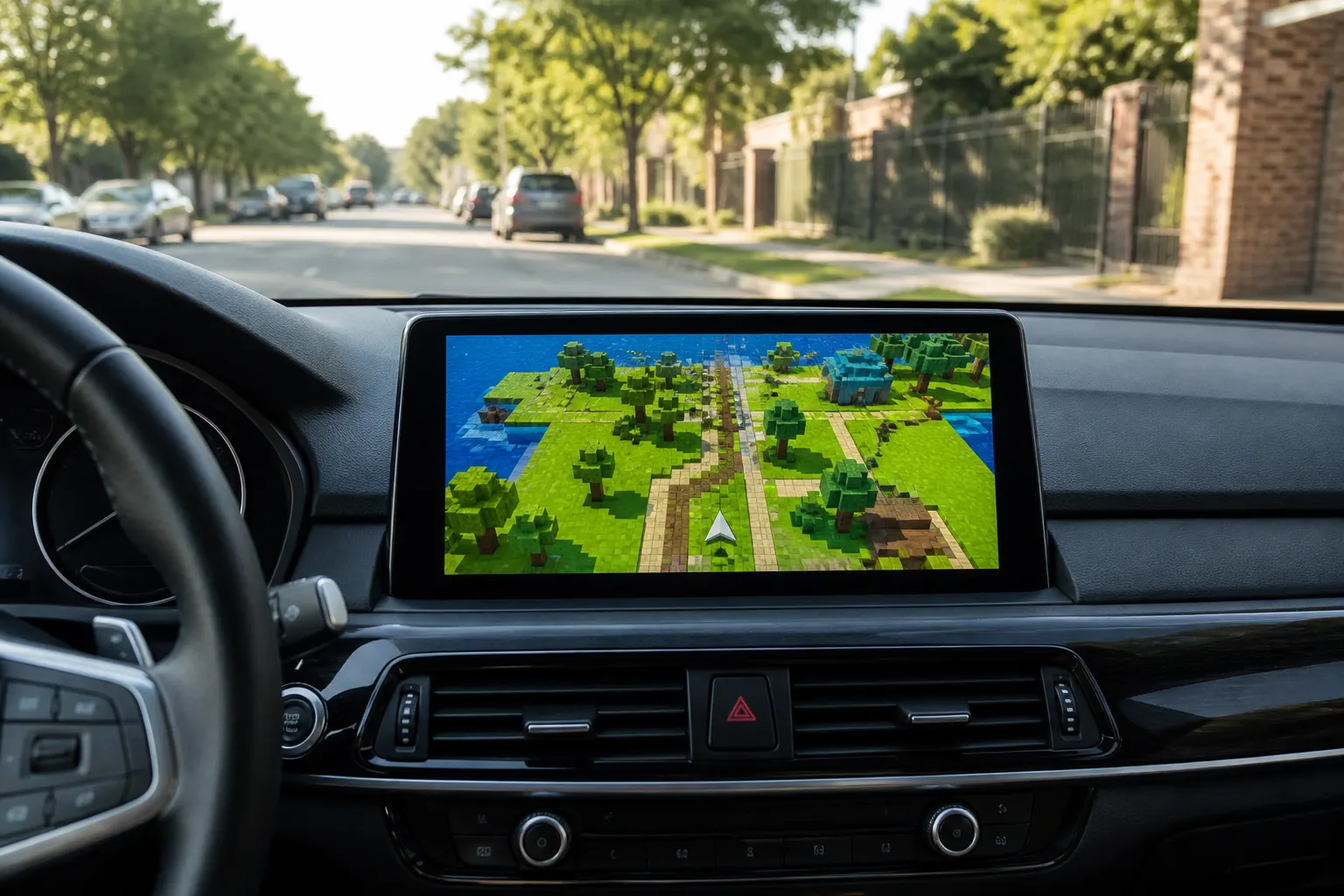
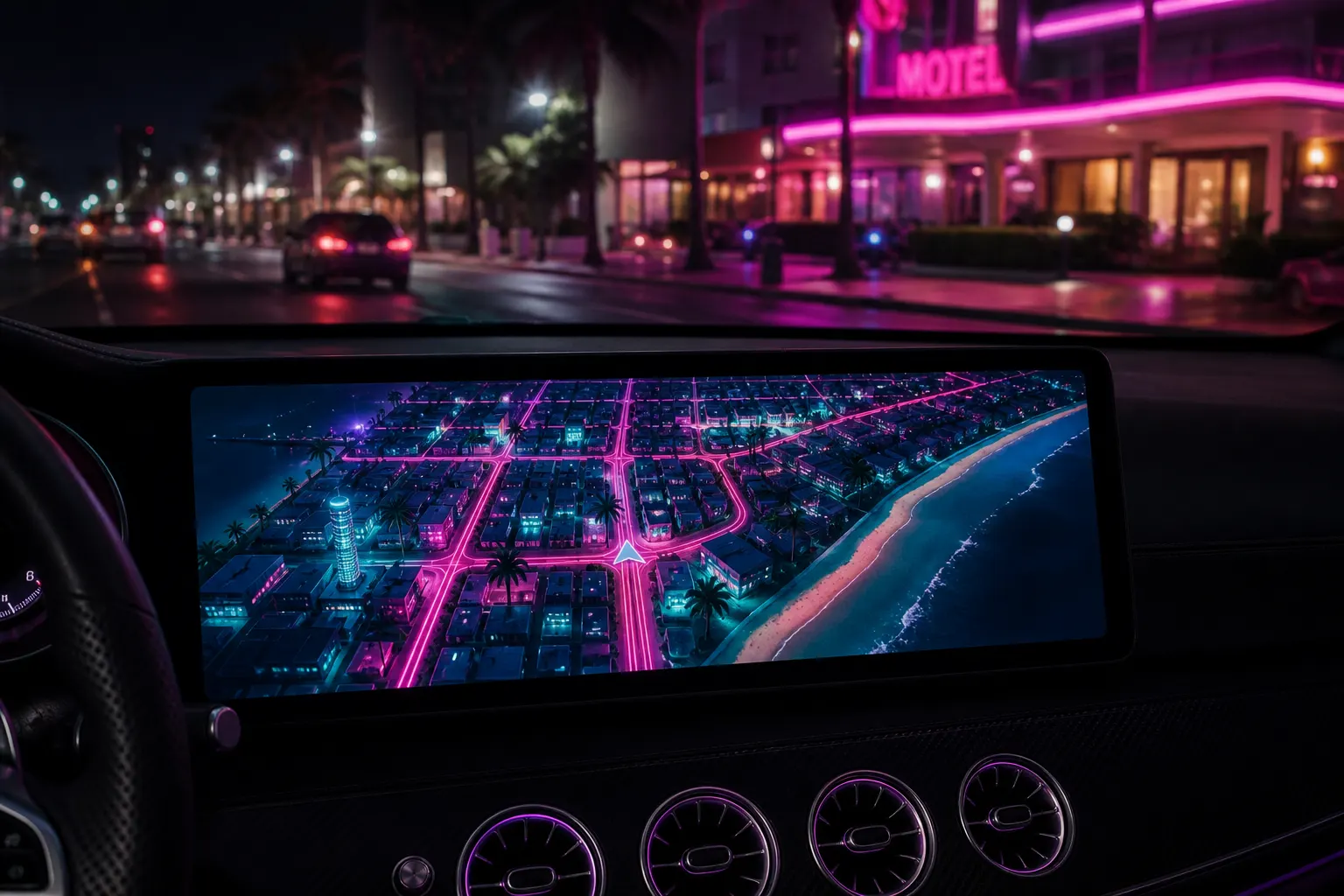
Los Santos is the GTA 5-inspired look: dark land, bright arterial roads, labels like Auto Repair and Barber Shop. Blockworld is the Minecraft-inspired voxel map, with bubbles such as Crafting Spot, Cozy Base, and Treasure Chest. Saint Denis is the Red Dead-inspired tan paper map with a red crosshair and blips like Saloon, Gunsmith, and Tailor. Night City is the Cyberpunk-inspired HUD: dark blue ground, magenta buildings, cyan grid, Arcade and Hidden Spot labels.
San Andreas and Leonida (the GTA 6-inspired theme) sit in the same layers list. None of these are licensed game maps. Game Maps IRL is independent and unofficial. The art is original. Follow real road signs over any app.
Switching mid-drive
The routing engine does not restart when you change skins. Voice prompts and the next-turn banner keep the same destination. On CarPlay, open Game Maps IRL from the car launcher and use layers there; the CarPlay themes hub walks through pairing and unlock. Android Auto uses the same layers control after the in-car purchase.
A useful check: set a short route around the block, flip Los Santos to Blockworld, then to Saint Denis. The blue line should not redraw. If it did, you started a new search instead of opening layers.
Frequently asked questions
Does switching themes cancel the route I already started?
No. The layers control only changes the visual skin. Your destination, polyline, and remaining ETA stay in place, including if you switch Los Santos to Night City at a stoplight.
Can I change themes on CarPlay or Android Auto mid-drive?
Yes. Open layers on the dash the same way you do on the phone. Voice guidance and the next-turn banner keep going. Follow real road signs while you tap.