Minecraft Map of Your City (Real GPS)
27 August 2026 · 5 min read
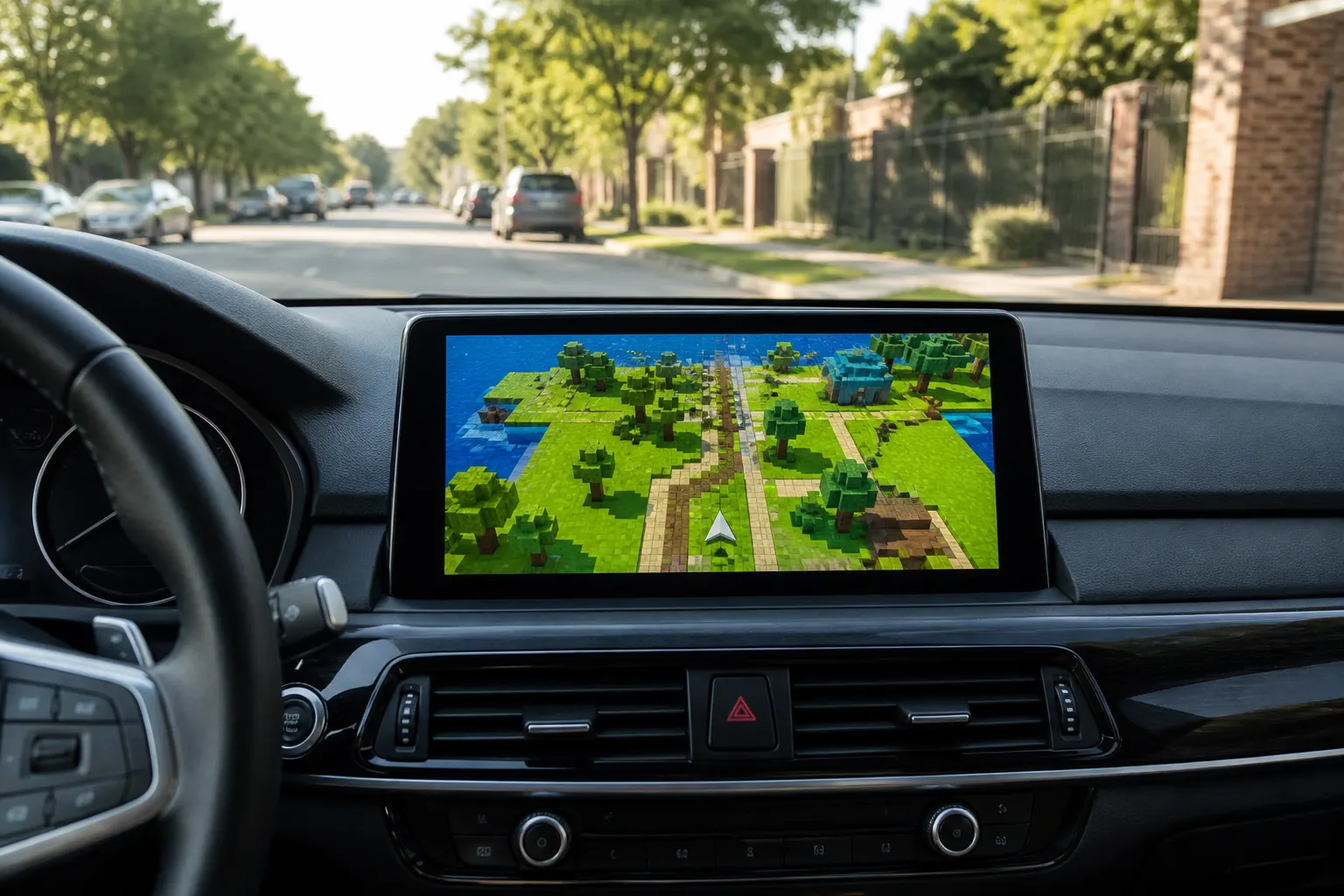
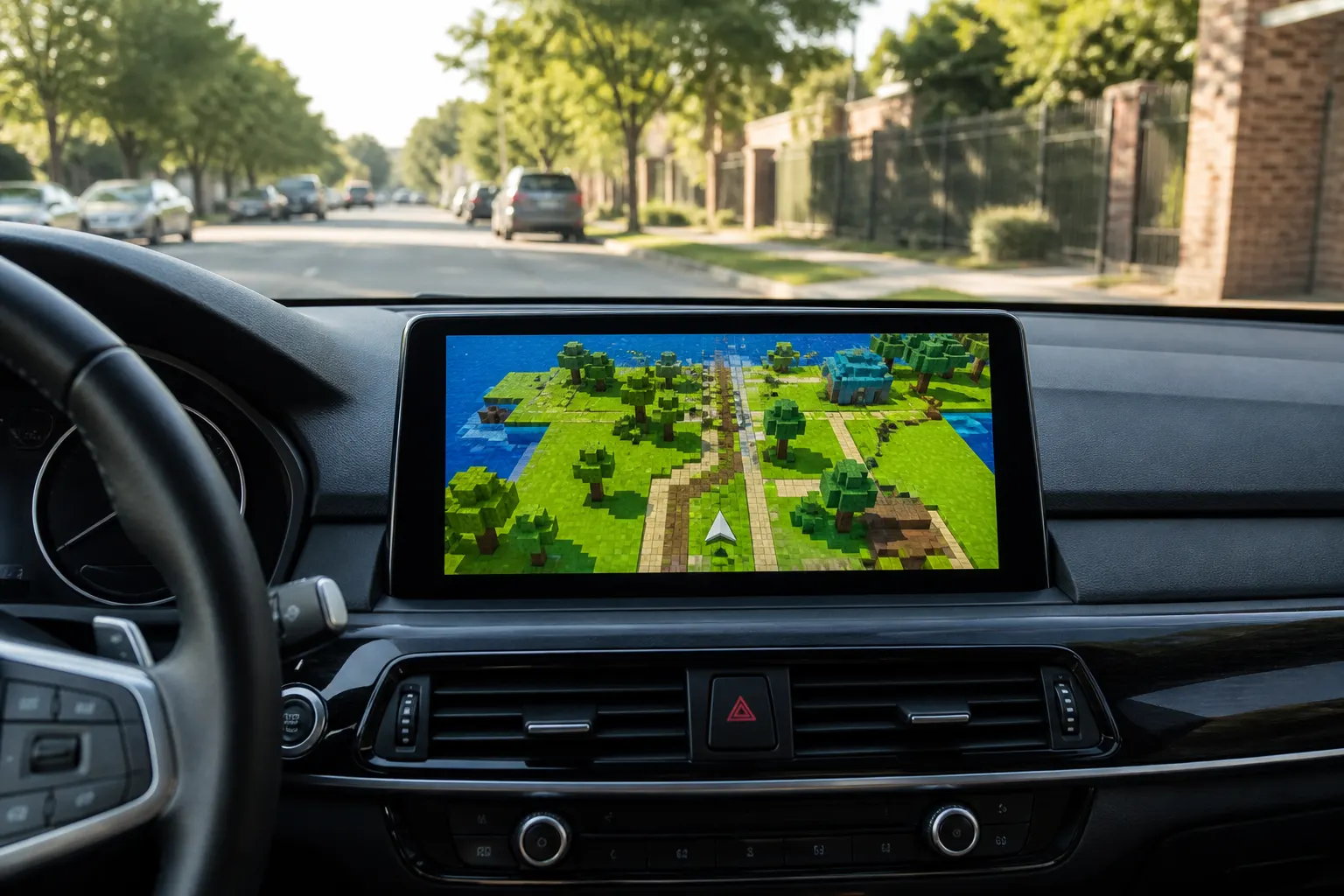
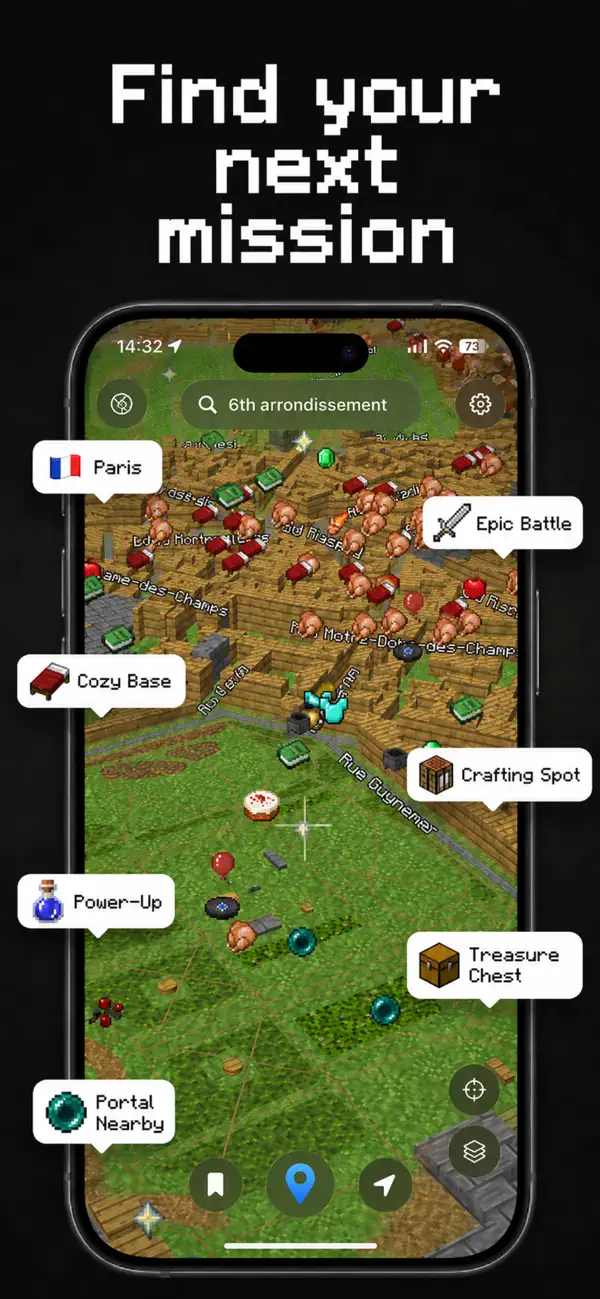
Search your district in Game Maps IRL, switch the theme to Blockworld, and the streets under your pin redraw as voxel blocks on real GPS. The App Store example is Paris’s 6th arrondissement: grass and wood cubes, pixel icons, and labeled bubbles for Crafting Spot, Cozy Base, and Treasure Chest. This is not a licensed Minecraft product. The app is independent and unofficial.
What the Paris screenshot actually shows
Open the listing image named Blockworld and you are looking at the Left Bank, searched as “6th arrondissement.” Building footprints become chunky cubes. Parks read as lime grass. Water is simple blocky blue. A flag bubble marks Paris. Other bubbles use in-game language on real places: Epic Battle (sword), Cozy Base (bed), Power-Up (potion), Crafting Spot (crafting table), Treasure Chest, Portal Nearby. The HUD is geometric, with pixel labels rather than the grey boxes you get in a municipal map app.
Bottom chrome is still a navigation app: bookmark, blue location pin, nav arrow, plus layers and recenter. That is how you know you are looking at GPS, not a seed from a game world.
How to put Blockworld on your own city
- Install Game Maps IRL. Download Game Maps IRL and open it with location on.
- Search your city. Type a district or city in the search bar, the same way the listing uses 6th arrondissement for Paris.
- Switch to Blockworld. Tap the layers control and select Blockworld. Voxel streets and game POI bubbles redraw on the real GPS grid.
- Start a route if you want. Set a destination. Turn-by-turn still uses real roads. Only the skin is Minecraft-inspired.
London, Brooklyn, and Osaka all voxelize the same way. The theme does not ship a handmade map of each city. It restyles the live road network. Narrow alleys become thin cube corridors. A river stays a river, drawn as block water.
Open Blockworld on the street you are standing on. The joke only lands when the cubes match the corner you can see.


POI bubbles, not a Minecraft wiki
The playful labels are game-styled points of interest, not official Minecraft structures and not a complete business directory. Crafting Spot will not tell you which cafe has Wi-Fi. Cozy Base is a bed icon on a real building footprint. Treasure Chest is a chest blip, not a geocache. If you need opening hours, transit, or live traffic, keep Google Maps in the stack. Game Maps IRL is the skin and the blips.
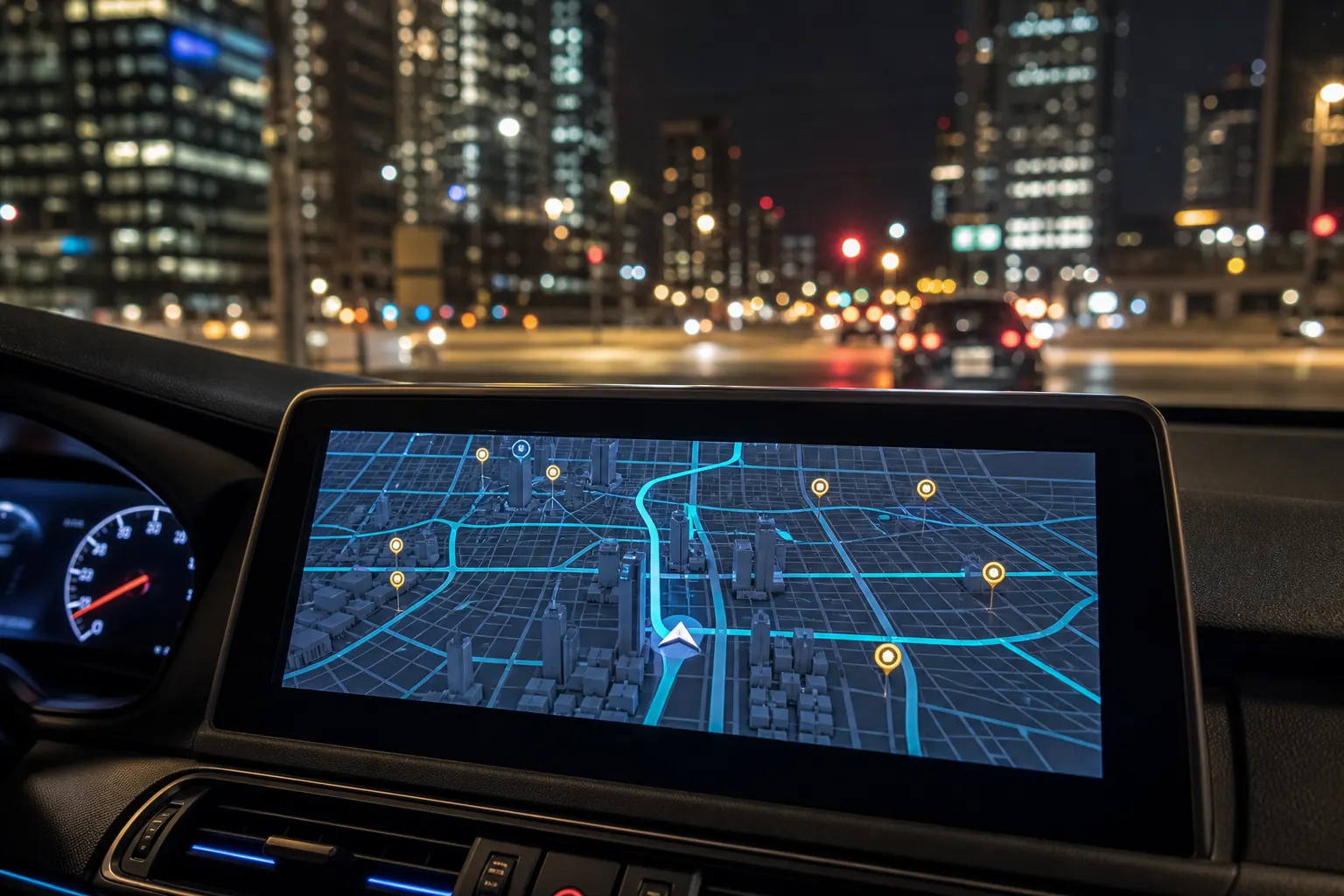
You can put Blockworld on Apple CarPlay or Android Auto after the in-car unlock. Theme switching uses the same layers control described in the switch map themes guide. The app is free to download. Premium themes unlock with a one-time purchase inside the app.
Follow real road signs. A voxel boulevard still has bike lanes, buses, and one-way rules that the cubes will not argue about. Game Maps IRL is navigation wearing a blocky coat.
Frequently asked questions
Is Blockworld an official Minecraft product?
No. Game Maps IRL is independent and unofficial. Blockworld is an original voxel map theme inspired by the look of Minecraft. It is not licensed by Mojang or Microsoft.
Which city is in the App Store screenshot?
The listing shot is Paris, searched as 6th arrondissement. Grass-and-wood voxels, a lime HUD, and POI bubbles such as Crafting Spot, Cozy Base, and Treasure Chest sit on real Left Bank streets.