How to Use the Red Dead Redemption Map on CarPlay
26 August 2026 · 6 min read
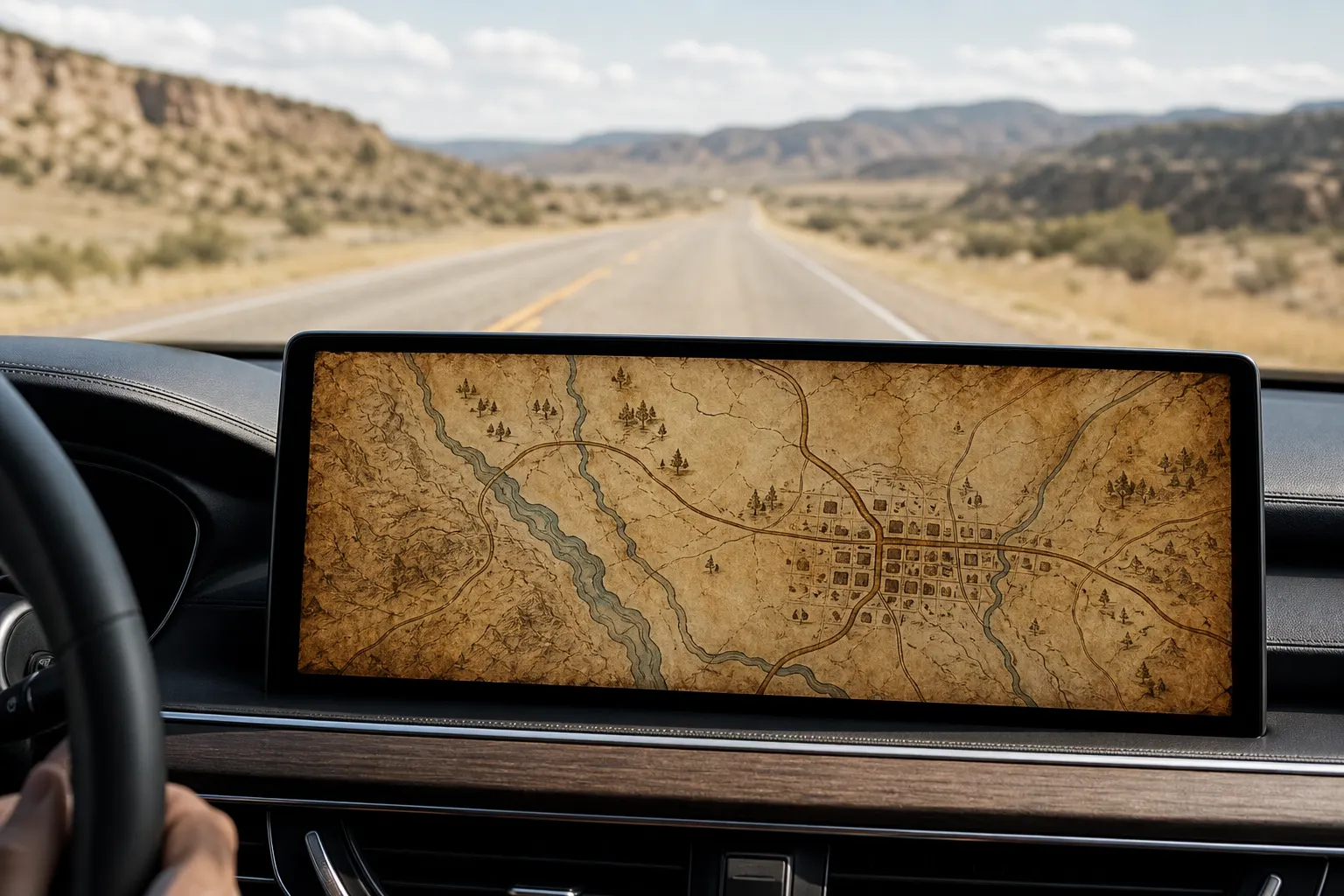
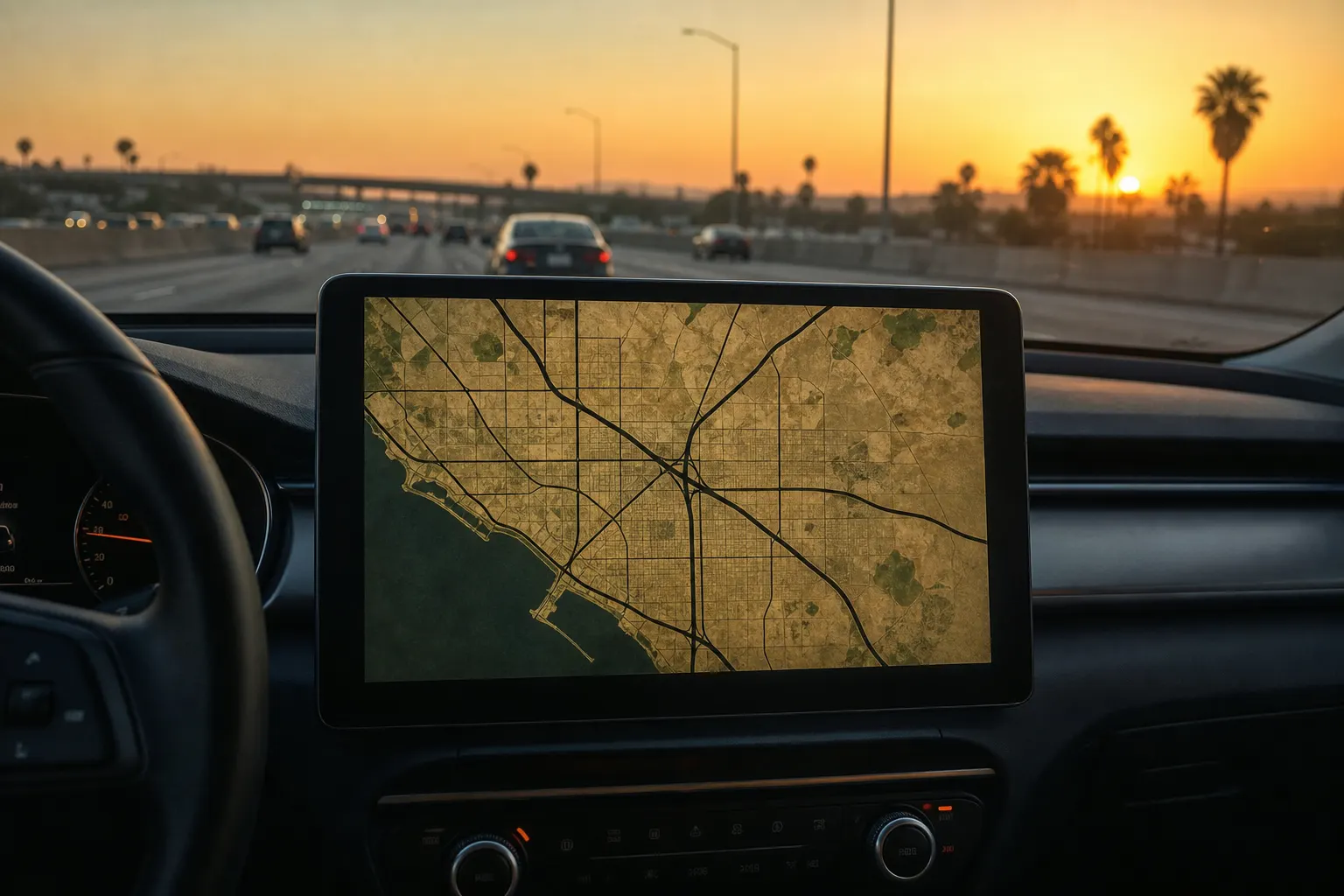
Picture your actual streets drawn with dust, river ink, and a worn paper map — the Red Dead Redemption map look — sitting on the Apple CarPlay screen in front of you. Game Maps IRL calls this theme Saint Denis. Here is how to get it running in under a minute.
Quick answer
- Pair your phone with the car the same way you would for any CarPlay app.
- Open Game Maps IRL from the car launcher.
- Open layers and select Saint Denis.
- In-car support and premium themes unlock together with a one-time purchase in the app.
- Set a destination. Turn-by-turn still works. The map just looks like Red Dead Redemption.
What is the Red Dead Redemption map in Game Maps IRL?
Inside the app the Red Dead Redemption map is named Saint Denis. It keeps real GPS, real roads, and real ETAs, then redraws them with sepia roads and frontier-town blocks. Nothing about the routing engine changes. You are not getting a toy compass. You are getting the same navigation stack, wearing a different skin.
Game Maps IRL is independent and unofficial. It is not affiliated with or endorsed by any game publisher. The themes are original map styles. Using an Android phone instead? See the Red Dead Redemption map on Android Auto guide.
What do you need before you connect?
You need an iPhone, a CarPlay-compatible car or aftermarket head unit, a Lightning or USB-C cable or wireless CarPlay, and Game Maps IRL installed. Apple lists CarPlay on a wide set of vehicles; if Maps already appears on your dash, you are in.
The phone app is free to download. CarPlay support and premium themes, including Saint Denis, unlock together through a one-time lifetime purchase inside the app.
How do you get the Red Dead Redemption map on the dashboard?
- Connect the phone. Plug in with USB-C or Lightning, or connect wirelessly if your car supports wireless CarPlay.
- Open Game Maps IRL on the dash. Game Maps IRL appears on the CarPlay home screen after you have opened it once on the iPhone and granted location. If it is missing, check Settings → General → CarPlay → your car → Customise.
- Unlock in-car maps if you have not. Premium themes and CarPlay support are a one-time purchase inside the app, not a subscription.
- Switch to Saint Denis. Tap the layers control on the map and select Saint Denis.
- Start the route. Enter a destination. Voice guidance and the next-turn banner stay the same. Only the skin changes.
How does Saint Denis compare to a standard maps app?
| Feature | Standard maps app | Game Maps IRL (Saint Denis) |
|---|---|---|
| Turn-by-turn accuracy | Yes | Yes — same class of routing |
| Visual style | Flat and generic | Red Dead Redemption look, sepia roads and frontier-town blocks |
| CarPlay | Built in | Full support after the in-car unlock |
| Theme switching | None | Swap maps without losing the route |
| Voice guidance | Generic | Same guidance, different world on screen |
Why drive with a Red Dead Redemption-styled map?
The western look is built for long straight roads. Big shapes, high contrast, and almost no neon clutter, so a glance at the dash still reads as next turn, distance, done.
Open-world westerns trained a generation to read maps as story, not as a grey grid. That familiarity is why a frontier-styled dashboard feels instantly legible.
Follow real road signs over any app. This is a skin for GPS, not a reason to stare at the dash.
Frequently asked questions
Does Saint Denis slow down navigation on CarPlay?
No. Every theme uses the same routing and voice engine.
Do I need a special cable?
No. Whatever already works for CarPlay in your car is enough.
Can I switch themes mid-drive?
Yes. Change layers whenever you want. The active route stays put.
Is Saint Denis free?
The app is free to download. CarPlay and premium themes unlock with a one-time purchase.
Does this work on Android Auto too?
Yes. Read the Red Dead Redemption map on Android Auto guide.
Ready to drive it?
Connect the phone, pick Saint Denis, and the next commute is still your city — just drawn like Red Dead Redemption.